Cyber Essentials v3.3 and passwordless authentication: what the scheme allows
Passwordless sign-in with FIDO2, Windows Hello, and mobile credentials is rising fast. This article explains how v3.3 treats passwordless authentication and what to declare in the self-assessment.
Section 01
Cyber Essentials v3.3 and passwordless authentication: what the scheme allows
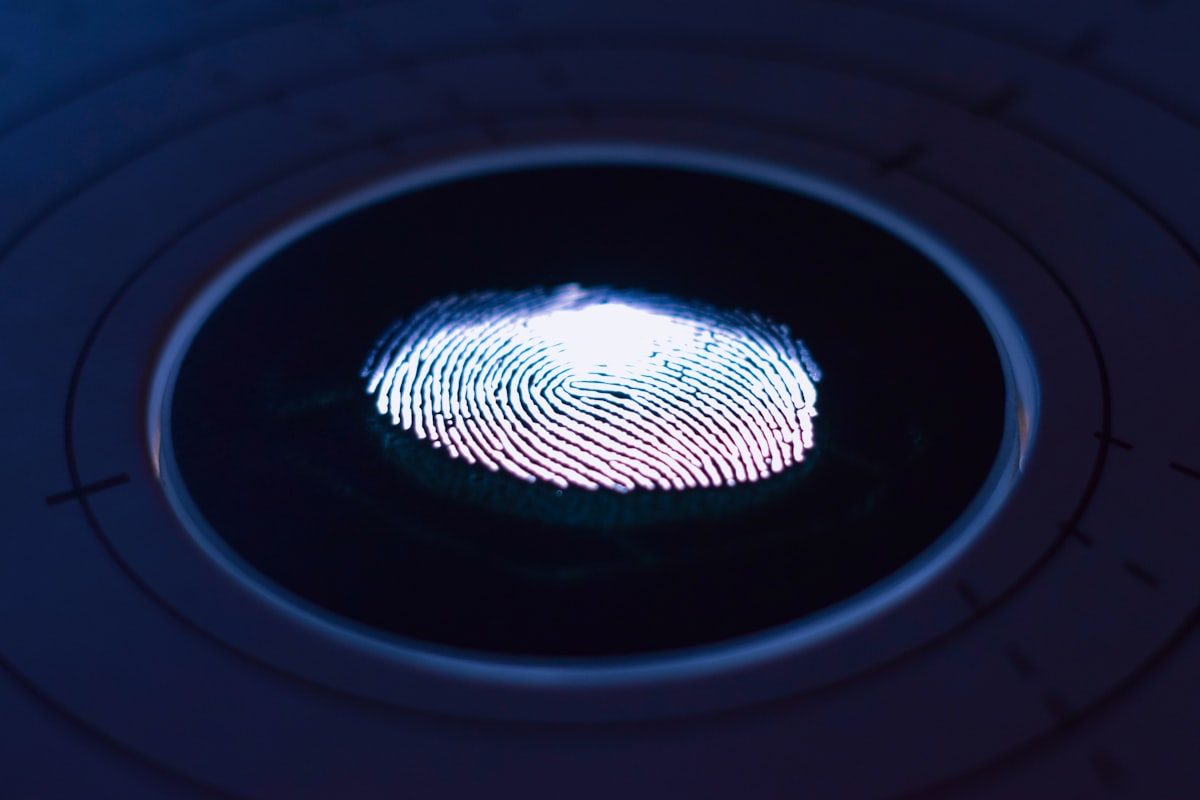
Passwordless sign-in - FIDO2 security keys, Windows Hello biometrics, passkeys on phones - is rapidly becoming the default for UK enterprise. v3.3 does not prohibit passwordless; it defines what passwordless configurations pass the MFA requirement.
This article clarifies which passwordless setups are acceptable under CE v3.3 and which require additional compensating controls.
Section 02
The scheme's test
MFA under v3.3 requires two independent factors. Traditional MFA is "password + something else". Passwordless combines two factors into one action - typically possession (key/device) + biometric (face/fingerprint) or possession + PIN.
Verify the actual service authentication and its independent factors. A device biometric or one-time code alone does not automatically establish MFA. The NCSC requirements, pages 20-22, recognise FIDO2 passkeys with user verification; product names and sample answers alone do not prove the resulting implementation.
Section 03
FIDO2 security keys
A FIDO2 security key (YubiKey, SoloKey, Titan) requires:
- Possession of the key (factor 1).
- PIN or biometric to unlock the key (factor 2).
This passes CE v3.3 MFA. We recommend phishing-resistant FIDO2 for privileged access as hardening; the scheme does not mandate a preferred administrator factor.
Section 04
Windows Hello for Business
Windows Hello for Business uses a device-bound public-key credential or certificate. It is not universally a FIDO2 credential; check the deployment and authentication path. Sign-in requires:
- Possession of the device (factor 1).
- Biometric or PIN (factor 2).
This passes v3.3 MFA when deployed correctly:
- Verify the actual Windows Hello for Business authentication model. Consumer Windows Hello can also provide user verification when unlocking a supported passkey; its name alone does not determine the result.
- Deployed via Intune or Group Policy with TPM-bound credentials.
- Apply the appropriate credential controls. The six-character device-only unlock rule is valid, but is not a universal minimum for every MFA factor or Windows Hello authentication flow.
Assessors sometimes ask for a screenshot of the Intune Windows Hello for Business policy to verify it is the Business variant (not consumer Windows Hello).
Section 05
Passkeys
Passkeys can be device-bound (including hardware security keys) or synchronised through a supported credential provider. They are not all synchronised through Apple or Google.
Verify possession and user verification in the sign-in flow, provider recovery and protection of synchronised credentials. Describe the actual credential store and recovery path rather than assuming every passkey needs an iCloud or Google account. See Microsoft's Windows Hello FAQ for platform distinctions.
Section 06
Face ID / Touch ID on mobile banking apps
Some line-of-business mobile apps authenticate with device biometrics. Determine whether the biometric unlocks an authenticated credential and whether the app actually establishes the required independent factors. MDM and remote wipe can strengthen device management but are not universal scheme prerequisites for MFA.
Section 07
What does not pass
- "We use biometric login" without clarifying what the underlying factor is. Assessor will ask - biometric alone is not a second factor if the first factor is also biometric.
- A Windows Hello label alone. A local unlock and a service passkey flow are different; verify the credential and factors rather than categorically classifying consumer Hello as single-factor.
- Face unlock alone without establishing how the cloud service authenticates. MDM absence alone is not an MFA failure.
Section 08
What to declare in the self-assessment
When the self-assessment asks about MFA, state clearly:
- Which users use passwordless.
- Which technology (FIDO2, Windows Hello for Business, passkey).
- How the device is registered (Intune, Jamf, manual).
- How the backup factor works if the primary device is lost (recovery key, fallback MFA).
A clean answer:
> "All 42 corporate Windows 11 laptops are Intune-enrolled with Windows Hello for Business. Users sign in via biometric to an Entra ID passwordless credential bound to the device TPM. Administrators use FIDO2 hardware keys (YubiKey 5C NFC) as the primary factor and Microsoft Authenticator number-matching push as fallback. Mobile users authenticate via passkeys stored in Entra ID, protected by device biometric."
This is an illustrative description, not an automatic passing answer. Verify the credential technologies and resulting authentication in your actual environment.
Section 09
Service account question
Machine tokens or certificates can provide passwordless authentication for automation, but do not constitute interactive human MFA. Manage those identities separately from user sign-in. Document each service account separately:
- Purpose.
- Scope.
- Rotation policy.
- Monitoring.
Section 10
Bottom line
v3.3 allows passwordless. Configure it correctly - Windows Hello for Business, FIDO2, passkey with protected sync - and declare it clearly in the self-assessment. Passwordless can be stronger than traditional password + MFA and is increasingly the correct choice for UK SMBs and MSPs.
About the author

Jay Hopkins
Managing Director, Fig Group
Jay Hopkins is the Managing Director of Fig Group and an IASME-licensed Cyber Essentials assessor. He was previously Head of Technology for a global regulated firm. He works with UK organisations across regulated sectors on baseline compliance, supply-chain assurance, and AI-augmented security tooling.
Next step
Want to see how Fig Group handles this?
Discover how Fig Group helps organisations prepare for security assessments and maintain ongoing compliance.
Request a demoRelated guides
Continue reading
Technical Guides
Multi-factor authentication for Cyber Essentials v3.3: the complete pillar guide
MFA is the single most common reason Cyber Essentials v3.3 submissions fail. This pillar explains which accounts need MFA, which methods are acceptable, and how to implement it across Microsoft 365, Google Workspace, and line-of-business SaaS.
Read article
Technical Guides
Why Same-Day Cyber Essentials Is Possible: Workflow and Readiness
How preparation, structured workflows and human assessment support same-day Cyber Essentials, with the current guarantee conditions and evolving technical requirements.
Read article
Technical Guides
Cyber Essentials v3.3: cloud services scope changes explained
v3.3 made cloud-service scoping explicit. IaaS, PaaS, and SaaS all need specific treatment in the self-assessment. This guide walks through how to describe each type and what the assessor expects.
Read article